






The enterprise-grade solution for backup and restoration of your ArcGIS hosted environment
Simply download, authenticate, and start backing up. No installation, no external dependencies, no Python environment, no third-party software or services. The Backup Utility runs entirely on your infrastructure with no third-party access to your credentials or data.
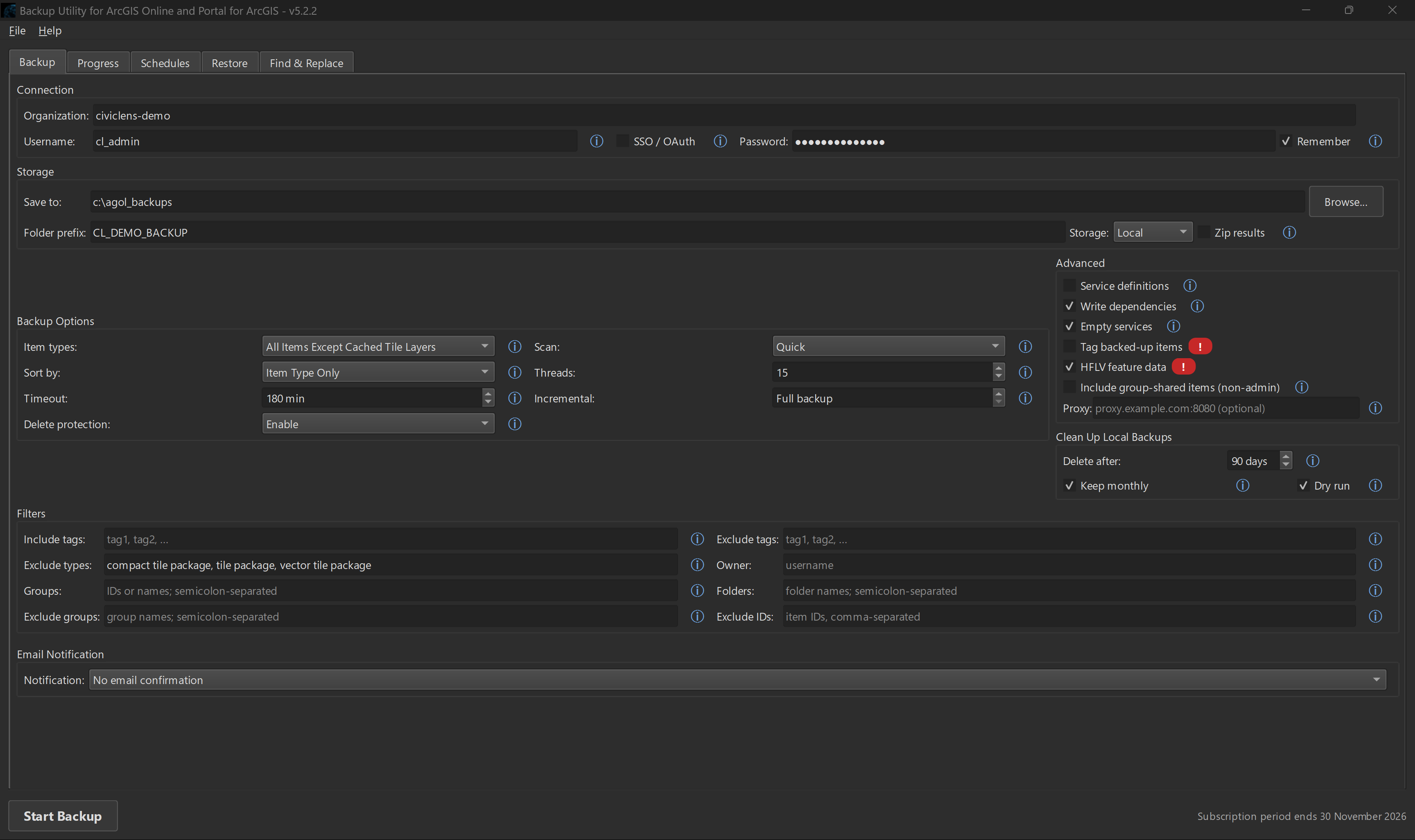
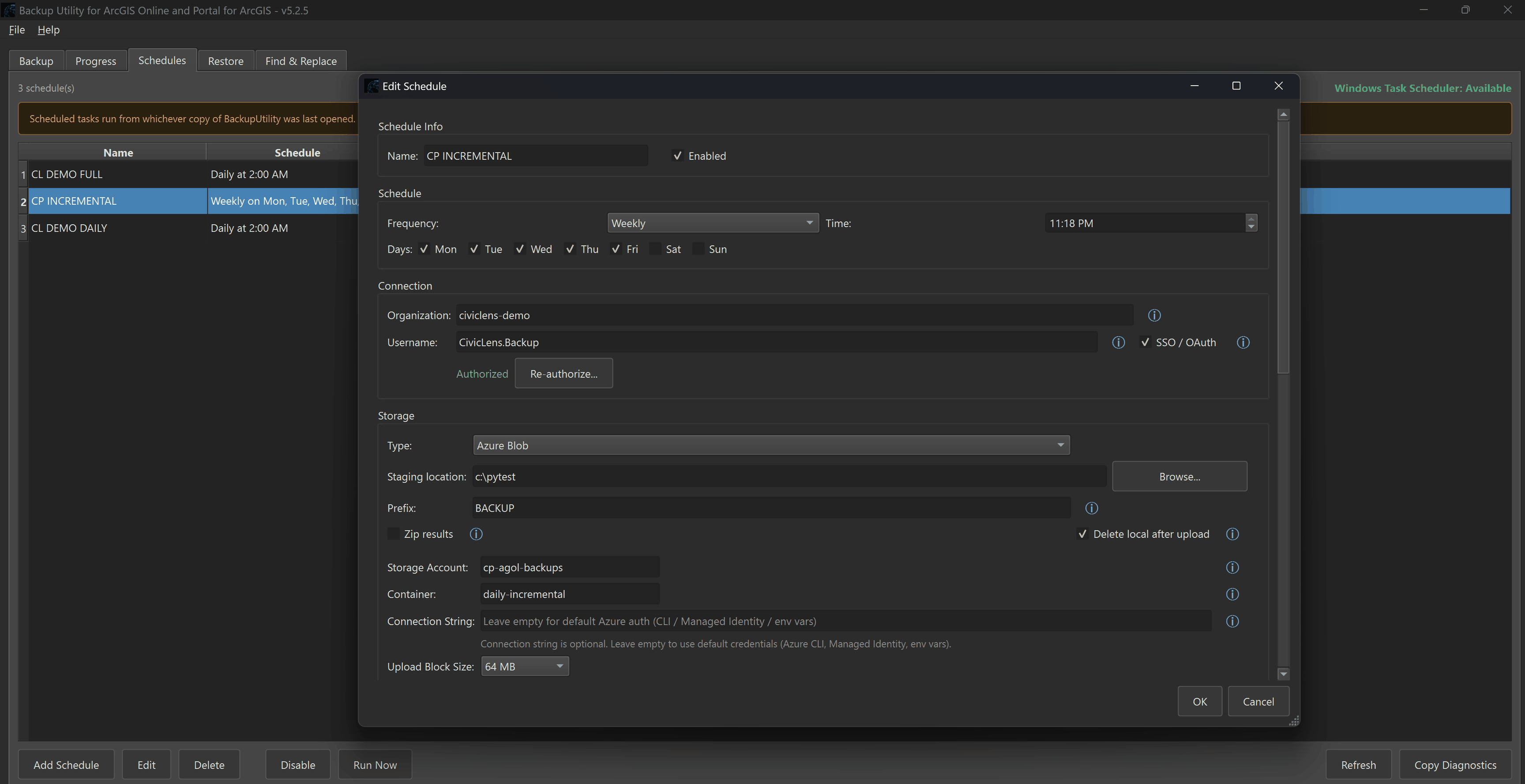
Run backups on-demand or on any schedule you define. Filter by group, folder, tag, owner, item type, or date of last edit. Sort output by item type, owner, or owner / folder / item type. Incremental backups capture only what has changed since the last run, keeping run times short and storage usage low.
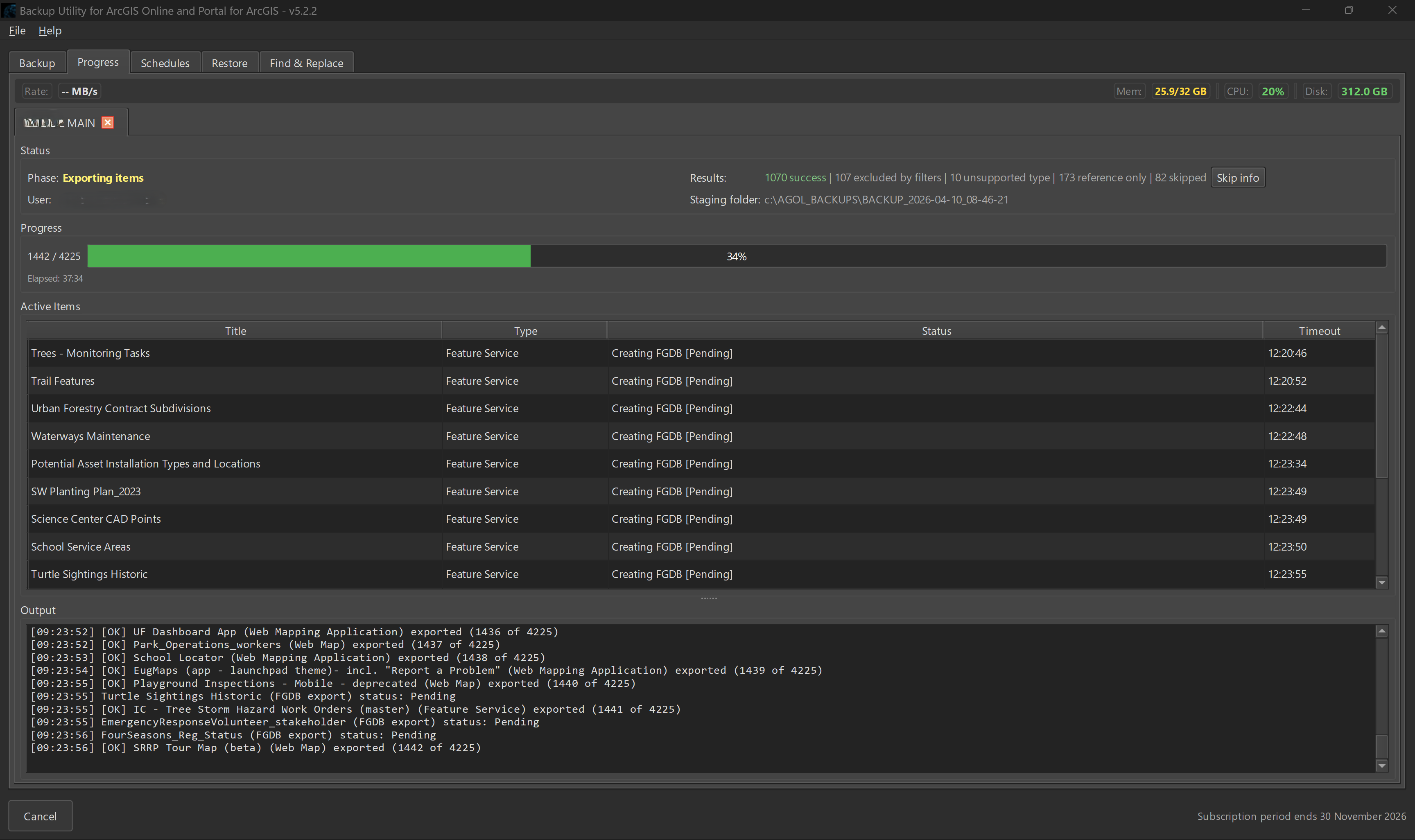
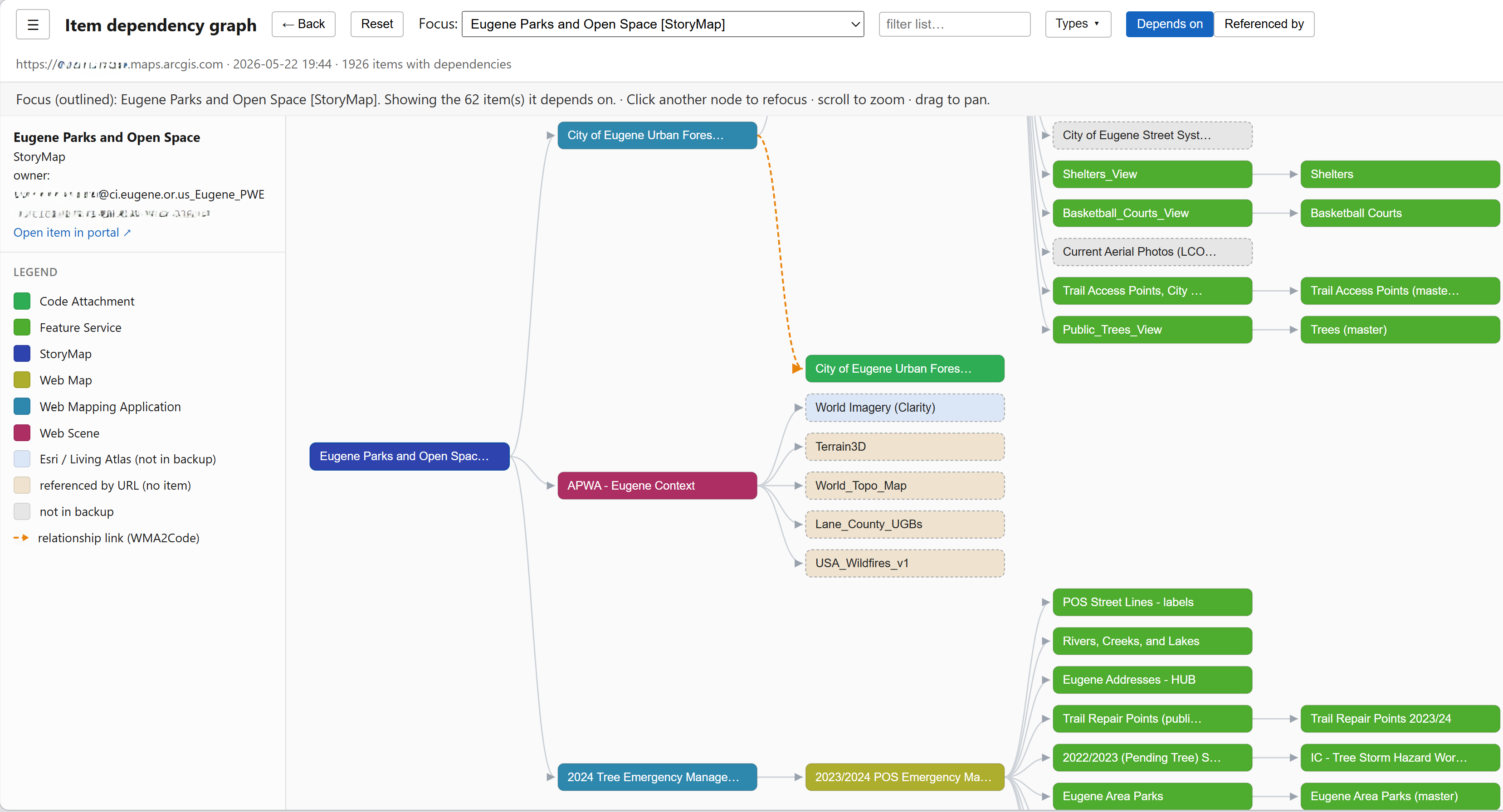
Backup reliability is engineered in: sophisticated retry logic, large file download retries with range header support, robust token management, thorough reporting and logging, and frequent updates that track changes to the ArcGIS platform and APIs.
Store results locally, on a network drive, or upload automatically to Amazon S3 or Azure Blob Storage. Backups can also be synced to any cloud provider through desktop sync clients, including Box, Dropbox, Google Drive, and OneDrive.
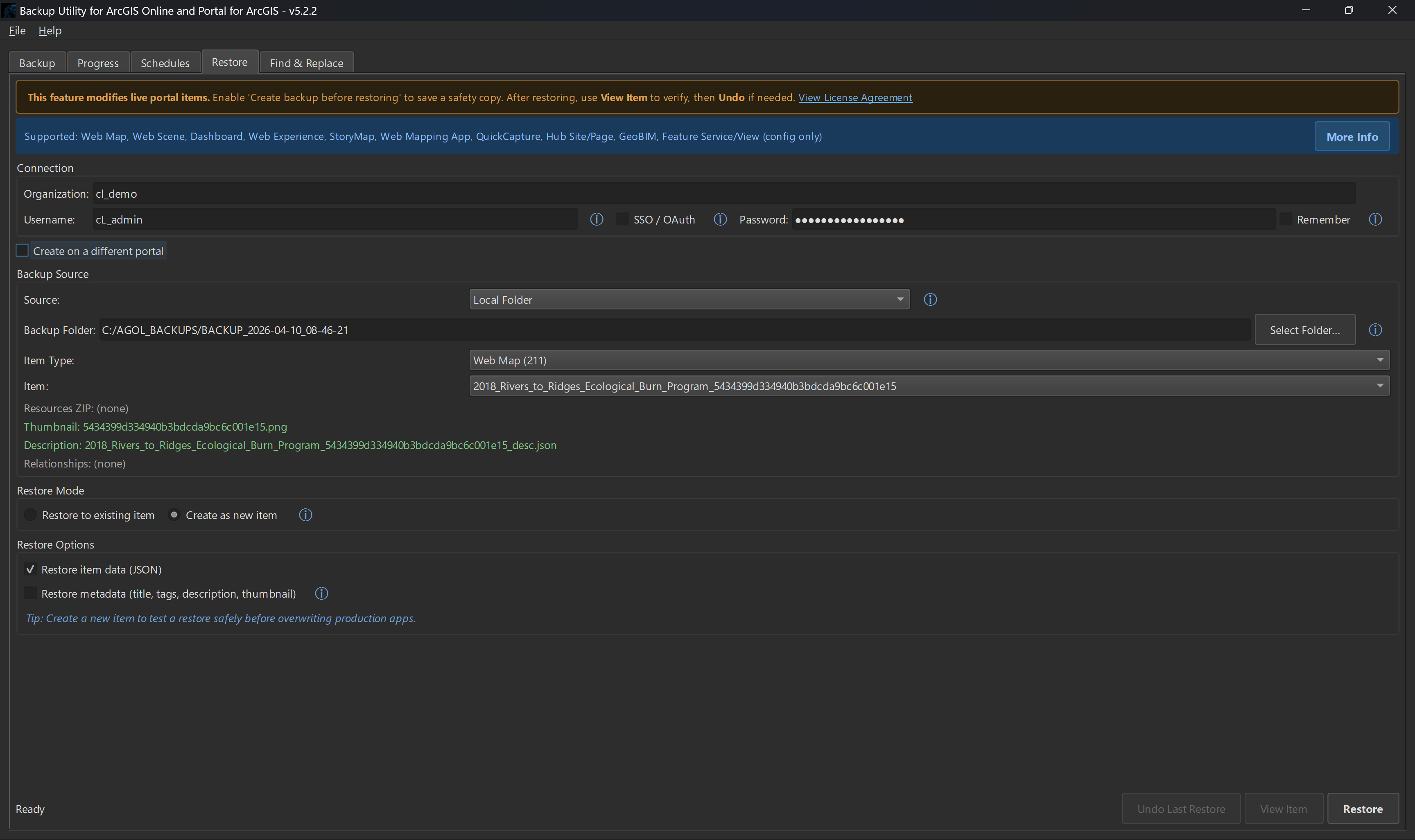
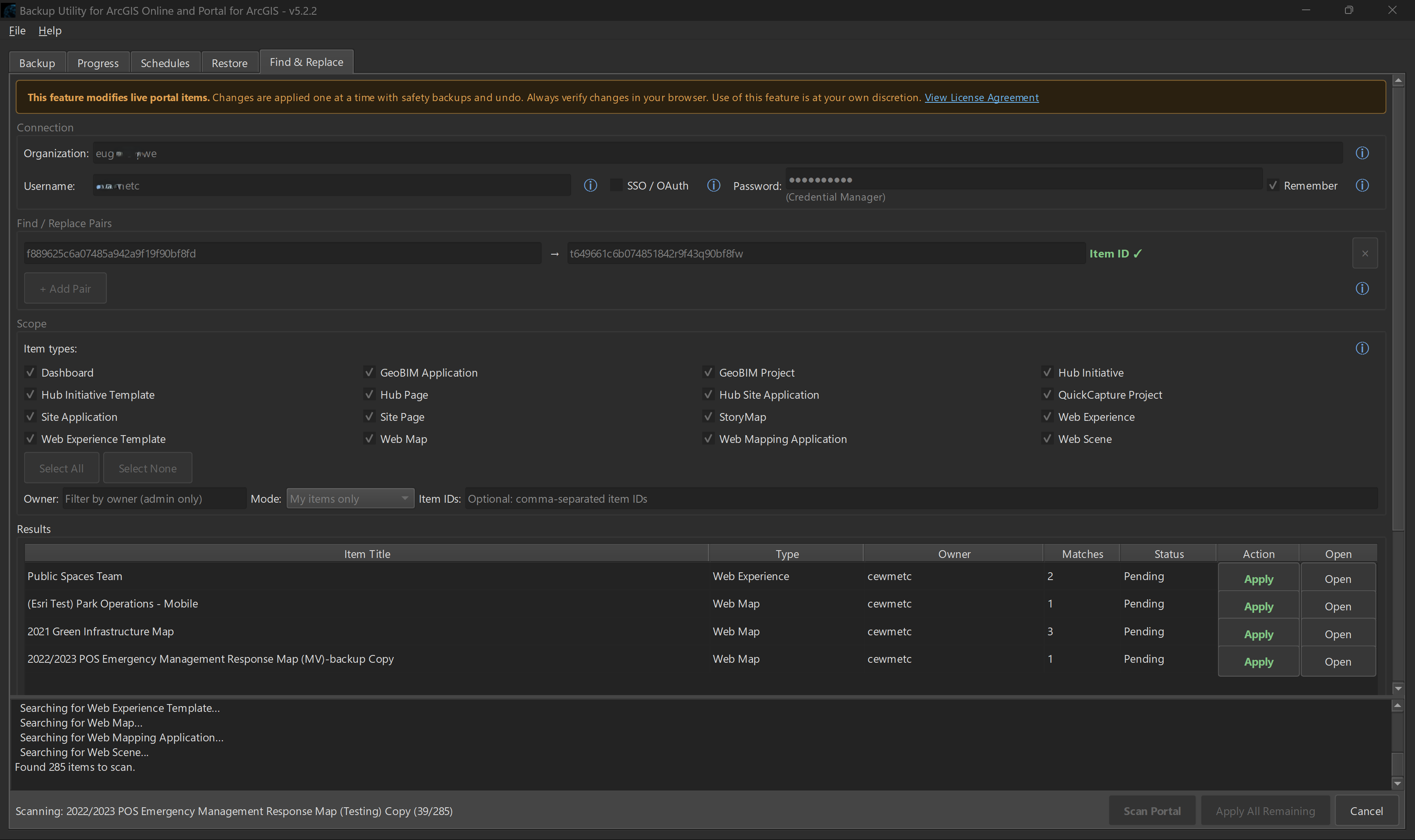
When you need to restore, do it directly from the app. Select an item from a local or cloud storage location, choose to restore in place or create new, and click Restore. Safety backups are taken automatically. Every change can be undone with one click. A find-and-replace feature supports more complex restoration scenarios.